
| All the software on this site has been made by us | |
|
This software is donationware and can be used on any computer (home, work, school). If you want to help us and support the development of this application, you can register it by donating!  System requirements: Windows 10 / 11 (32 & 64 bit) - .NET Framework 3.5 / 4.5 |

|
|
Free MovieDB v7.32
|
||||||


License type: donationware
.NET Framework: 3.5 |
Software description
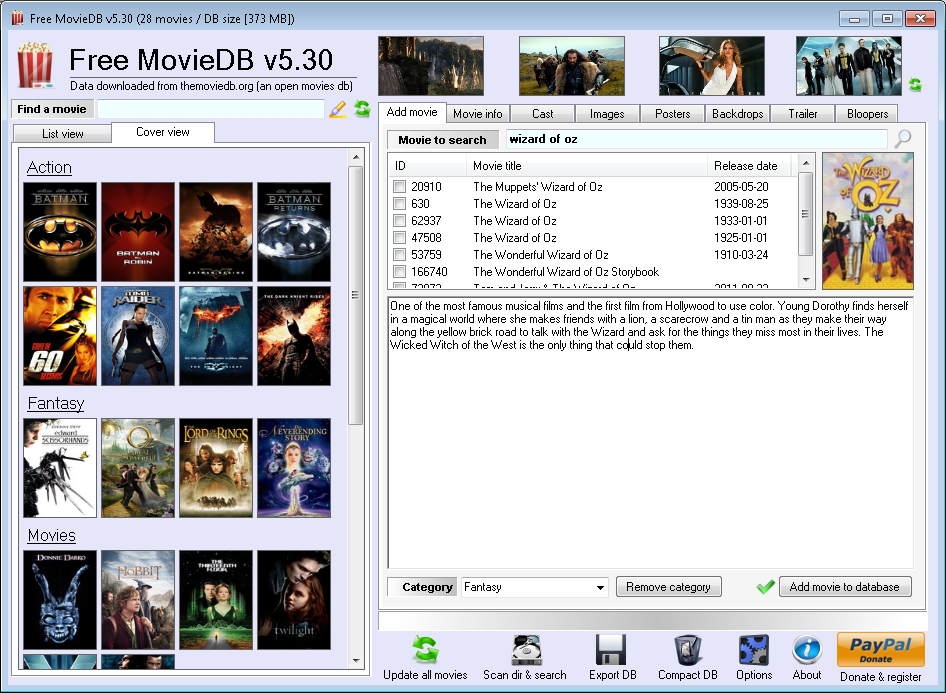
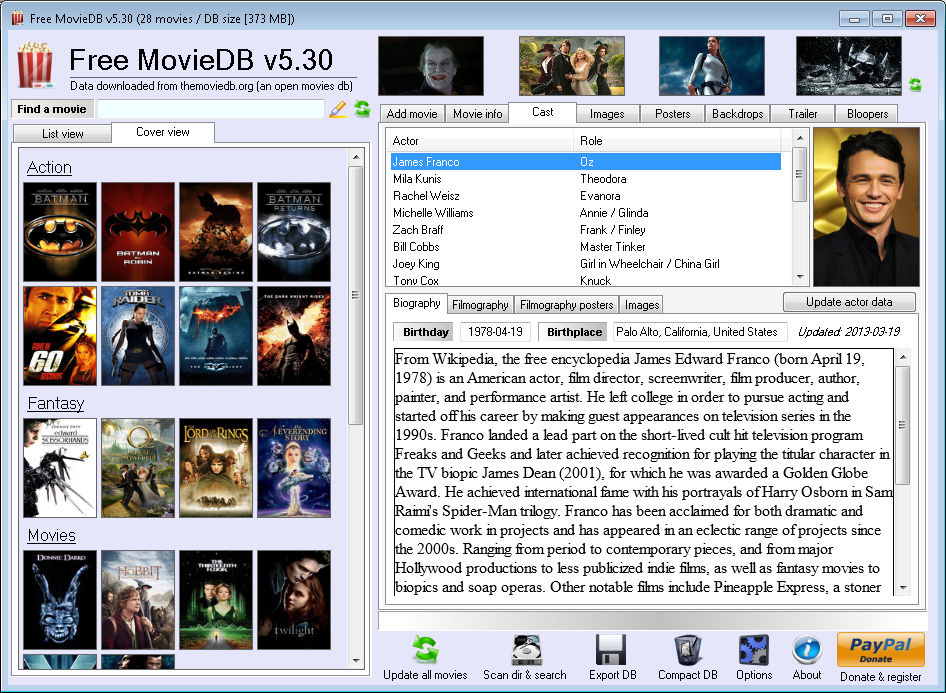
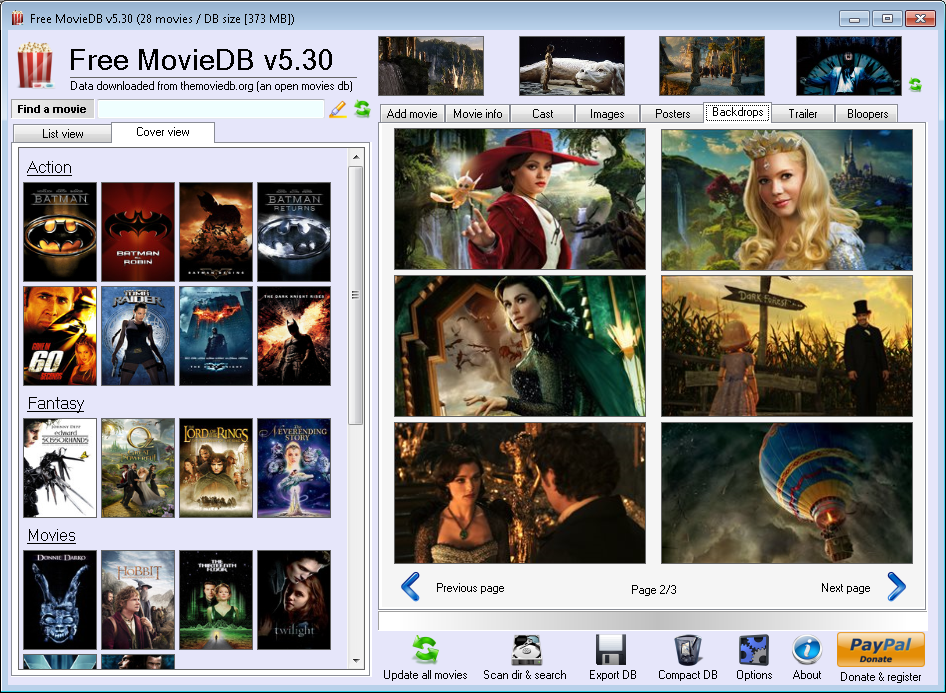
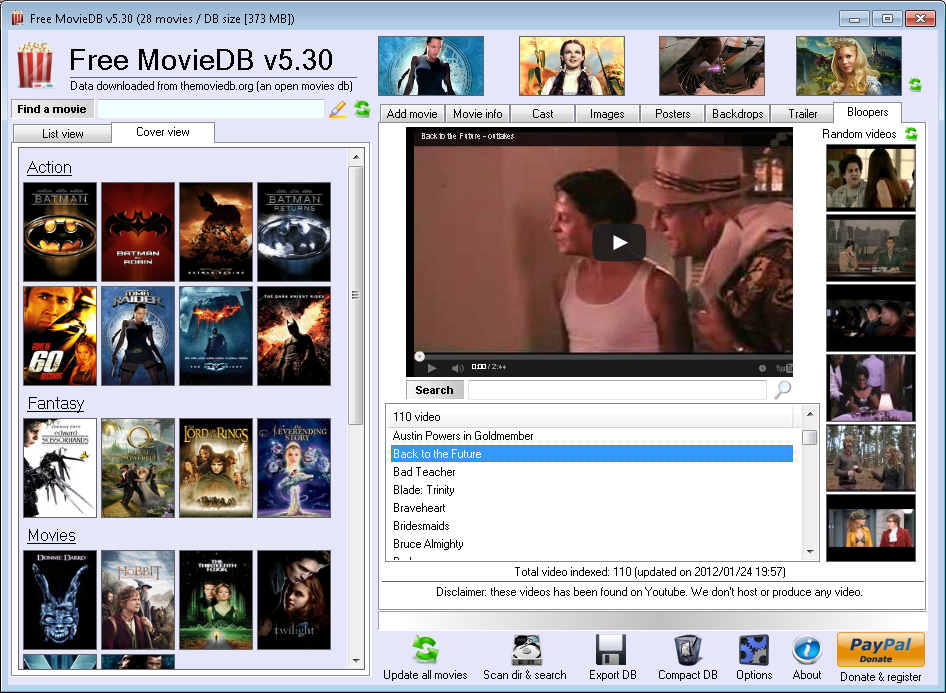
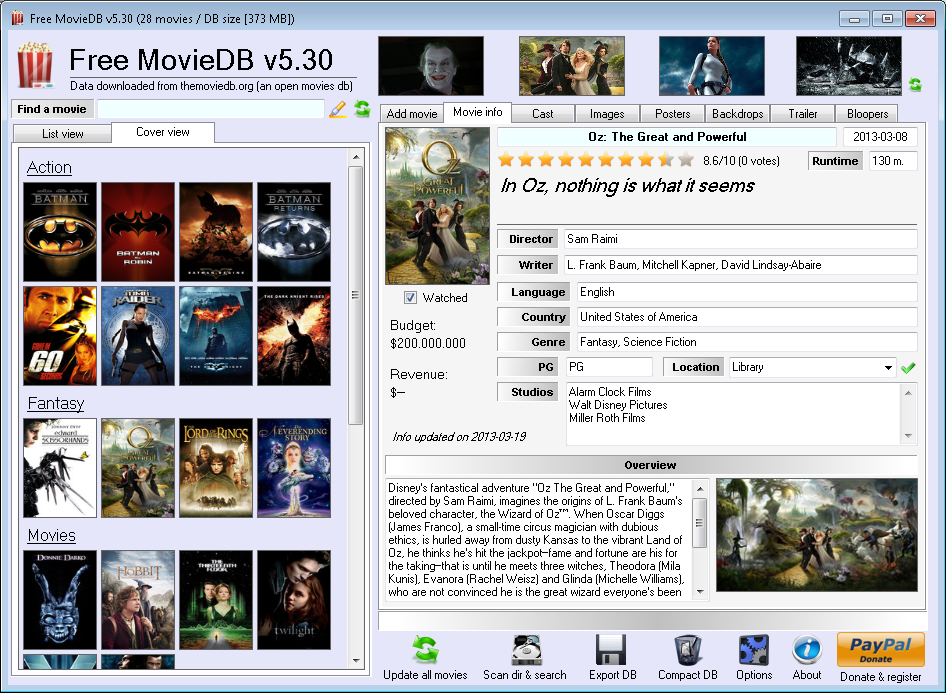
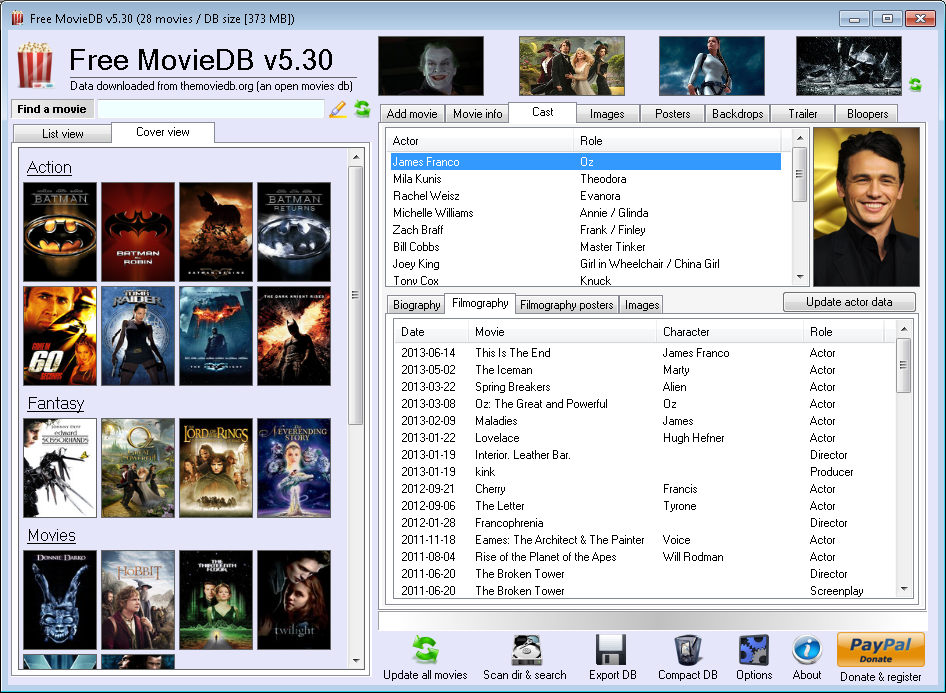
Free MovieDB is a movie database software! Manage your personal collection of dvd and blu ray with this software!
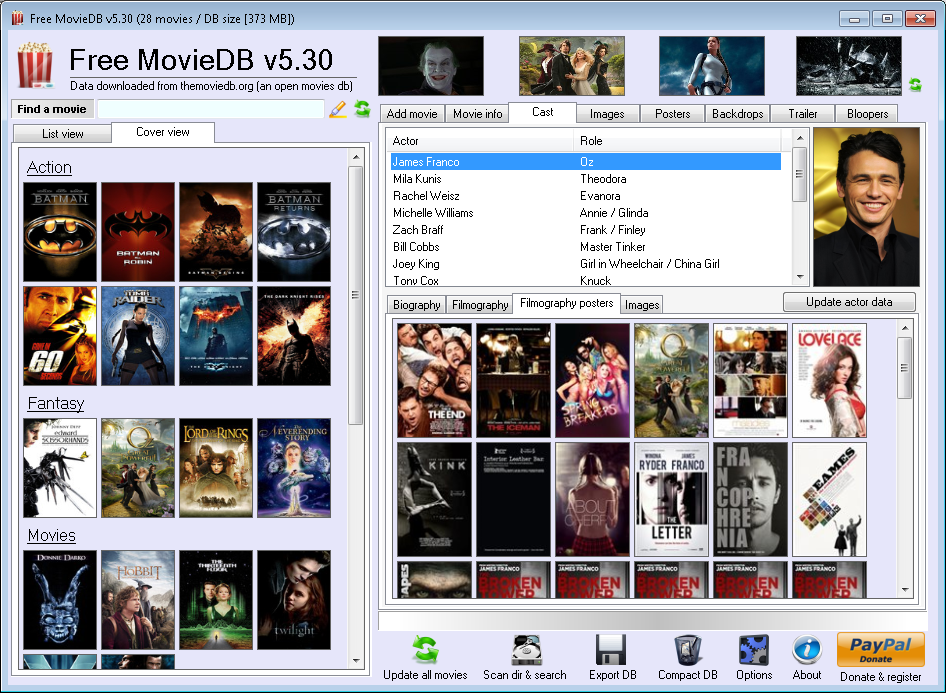
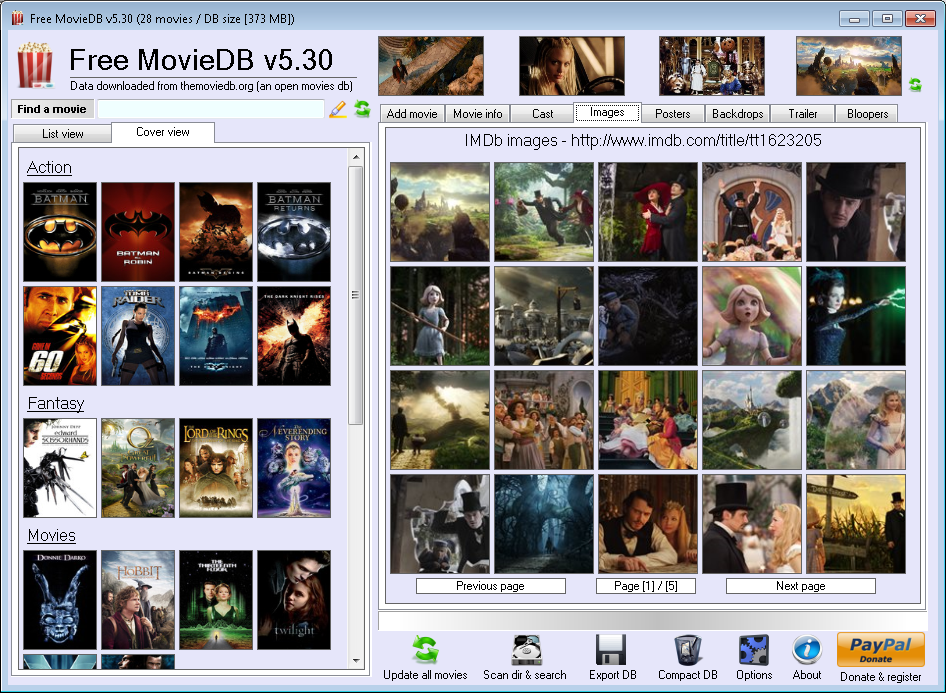
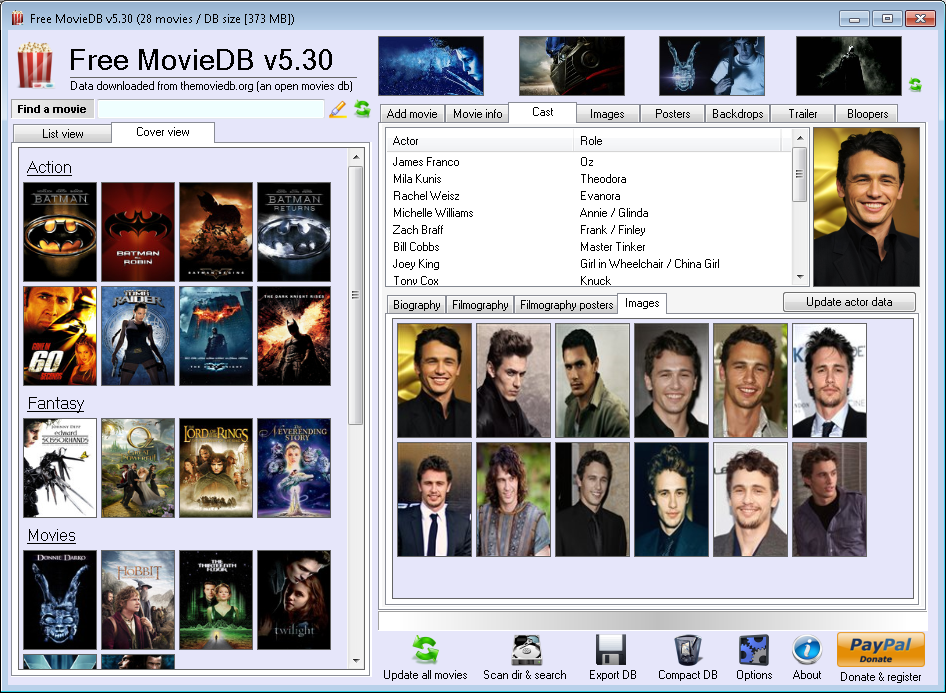
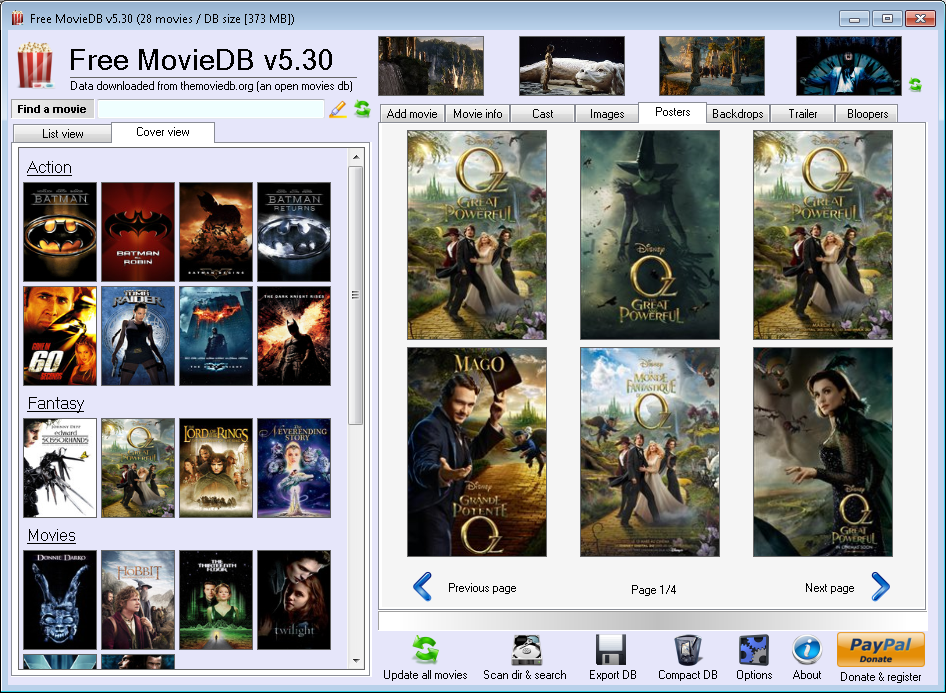
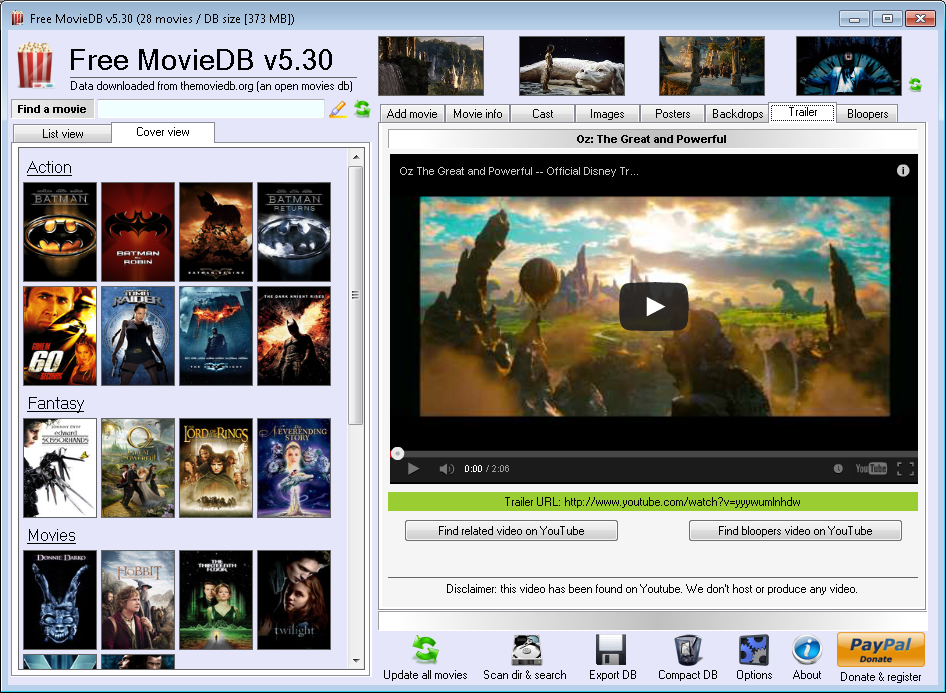
Features: - automatic data download (info / cast / posters / backdrops) from themoviedb.org and imdb.com - automatic images (movies and cast) download from imdb.com - quotes, trivia, goofs and more info about movies and cast! - trailers (from themoviedb.org) and clips (from traileraddict.com) - multi-language movies info (up to 184 languages) - hi quality poster and backdrops galleries (automatically downloaded!) - backdrops images can be set as Windows wallpaper - keep track of the movies you have watched - database export in txt, csv and xml - proxy support - automatic database backup - and more! Version 7.32: - automatic ZIP library download in case the file ICSharpCode.SharpZipLib.dll is not present - various code fix Version 7.30: - added a new registration method: SMS. Useful if you don't have a credit card or PayPal - new error reporting system engine - movie quotes works again (sorry!) - YouTube video & bloopers search works again (sorry!) - various code & bug fix Version 7.27: - updated registration library code Version 7.25: - added a new registration method: download a temporary license code! - removed third bundle software (I'm sorry, I didn't thought there was too many problems with the third software installed) - updated internal libraries code Version 7.20: - fixed IMDb parser: cast biography and info now are downloaded correctly - improved data download from IMDb: casts data are searched only when selected - added a skip button in the bundle pre-installation message: the third party software installation can be easily skipped - fixed exe version number Version 7.10: - fixed the Cover view mode (many thanks to Carl for reporting this bug) - fixed API initialization error in Cover view mode - various bug fix
|
|||||


      |
     |
This software uses:
Icons by Alessandro Rei - http://bit.ly/kj3nsm
and VistaICO.com - http://www.vistaico.com
SharpZipLib - http://bit.ly/7pnipW
Icons by Alessandro Rei - http://bit.ly/kj3nsm
and VistaICO.com - http://www.vistaico.com
SharpZipLib - http://bit.ly/7pnipW
(C) 2011 / 2024 My Portable Software - All rights reserved
Site revision v1.82